01
Orders & invoices
Save a new order and its linked invoice together. Track progress through to delivery, and print the invoice when needed.
MADE FOR YOUR TAILORING SHOP
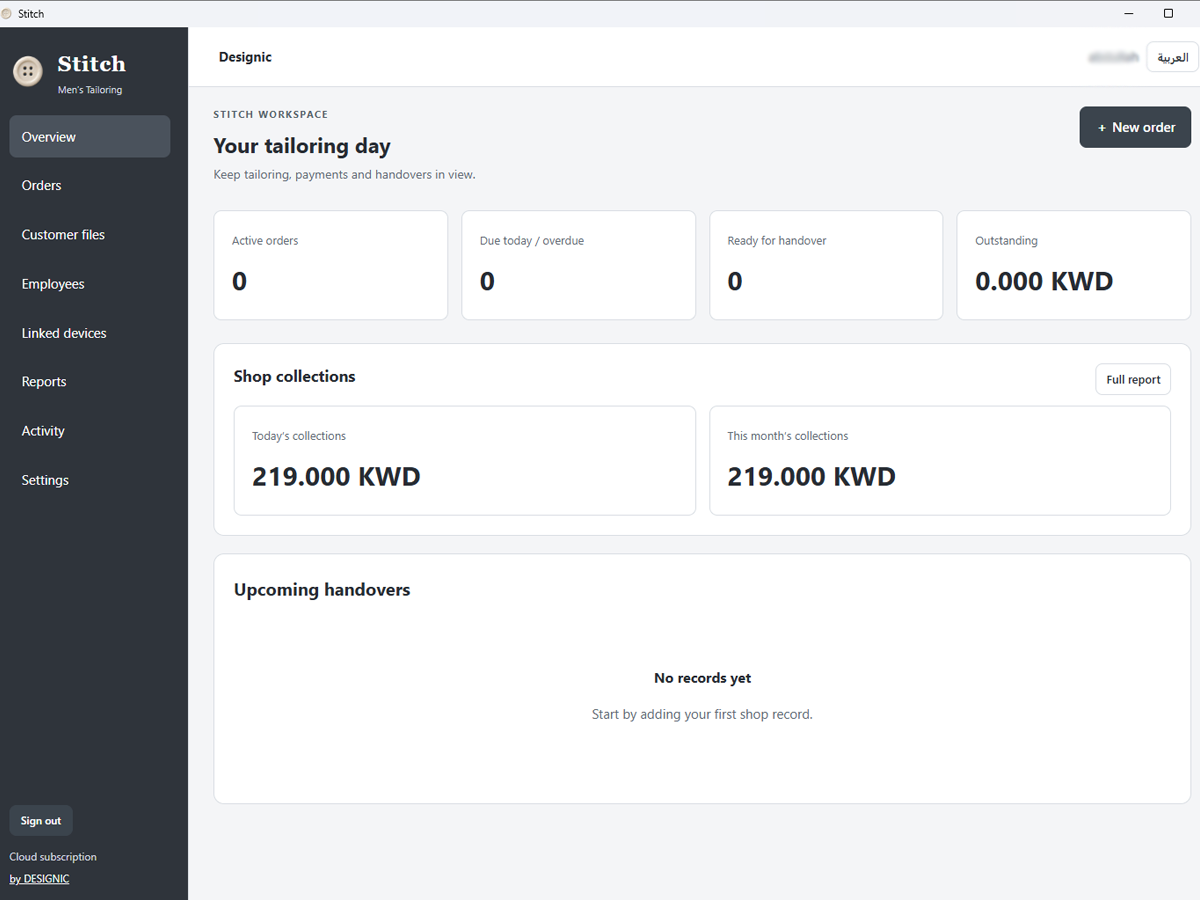
Keep tailoring orders, customer measurements, invoices and payments together. Know what is due, what has been paid and what is ready to hand over.
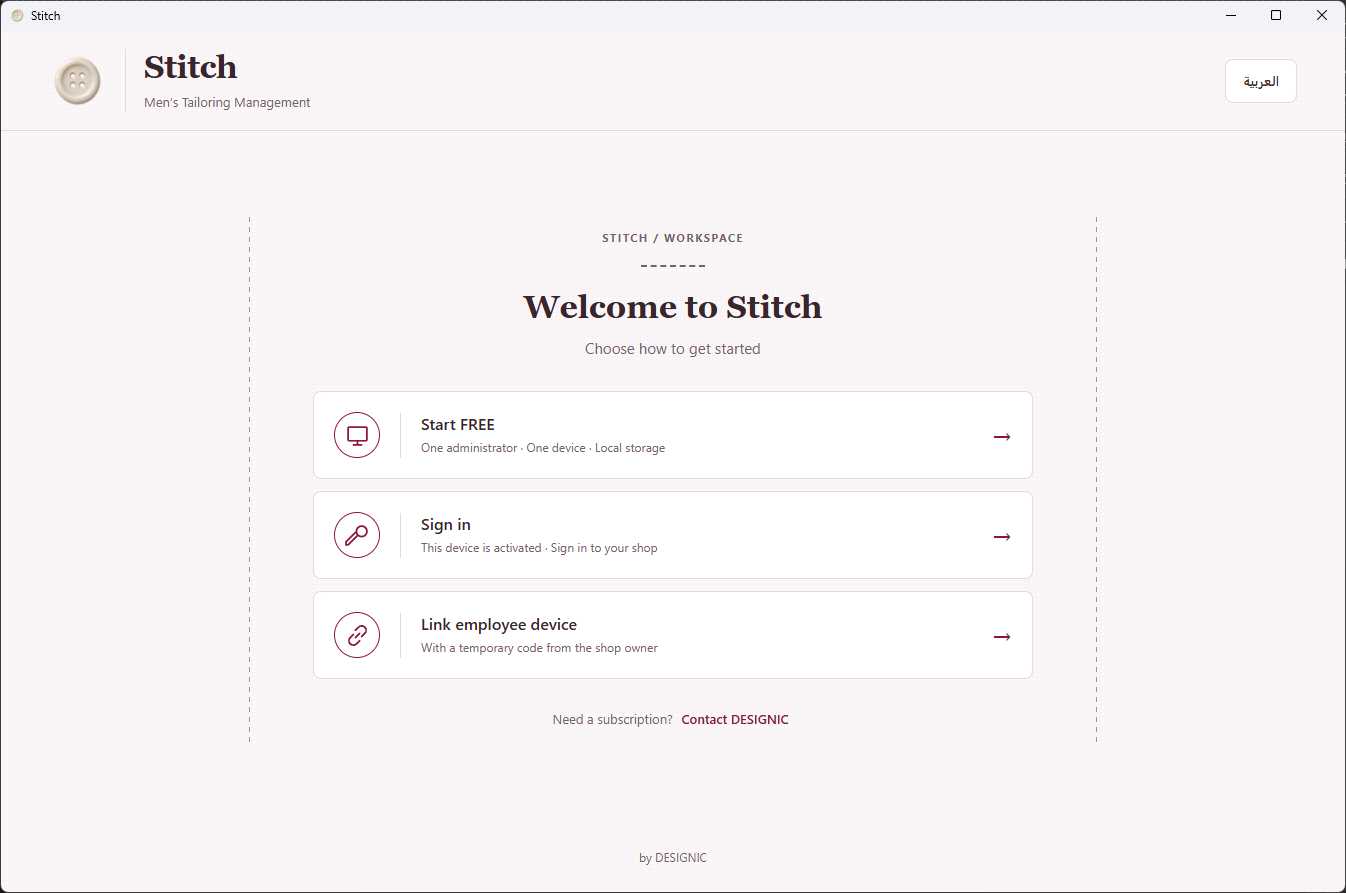
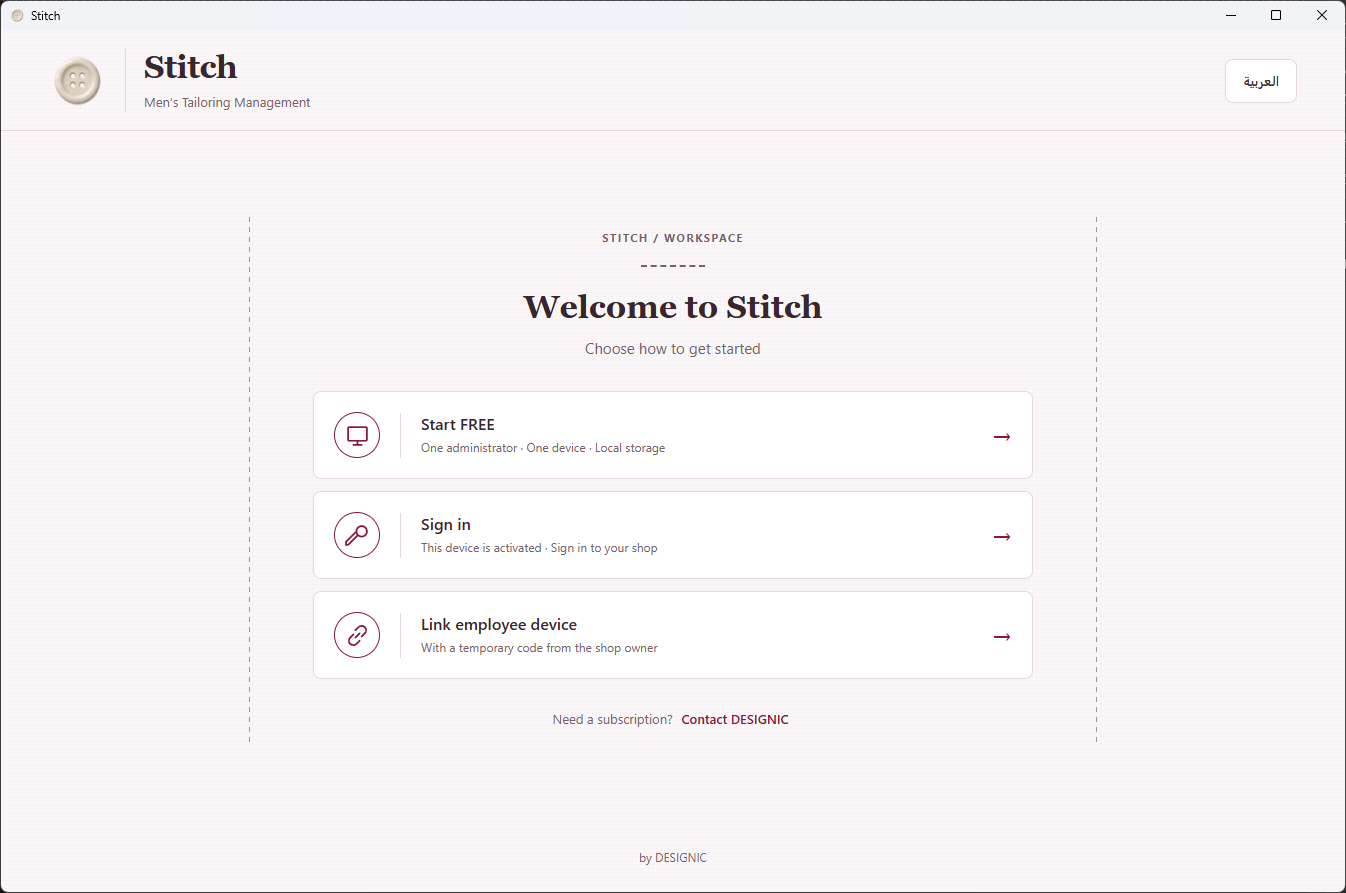
Start FREE on one device. Activate a subscription in Settings when you need cloud backup and connected devices.
Windows · Android · iPhone · iPad
Use your browser, or the Windows desktop app.
FROM ORDER TO HANDOVER
The details you need, without switching between disconnected records.
Save a new order and its linked invoice together. Track progress through to delivery, and print the invoice when needed.
Keep measurements and private notes in customer files. Find a customer with part of a name or phone number; measurements stay off the invoice.
Record full or partial payments. Correct recording errors separately from actual refunds, with a clear financial summary and retained history.
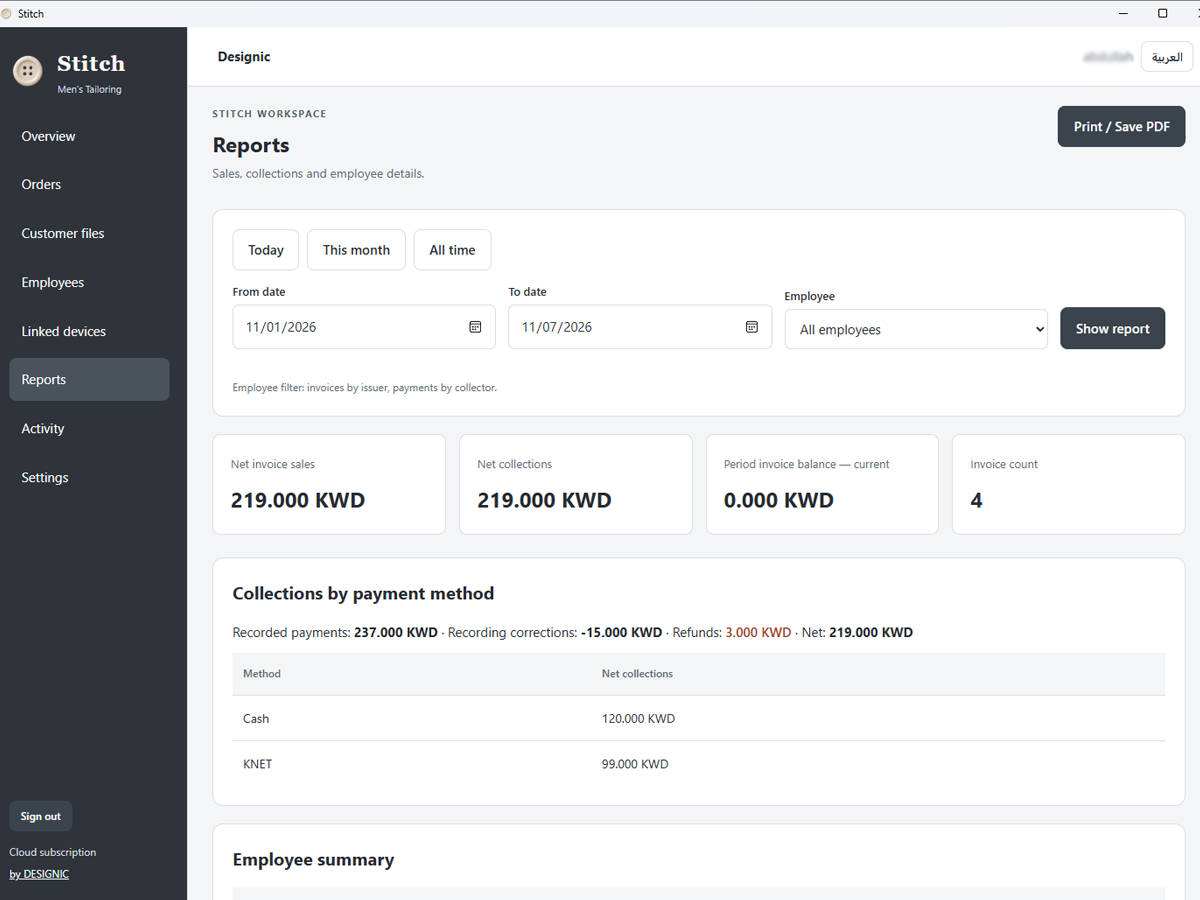
Review invoice sales, net collections, refunds and outstanding balances. Filter by date or employee, then print or save the report as a PDF.
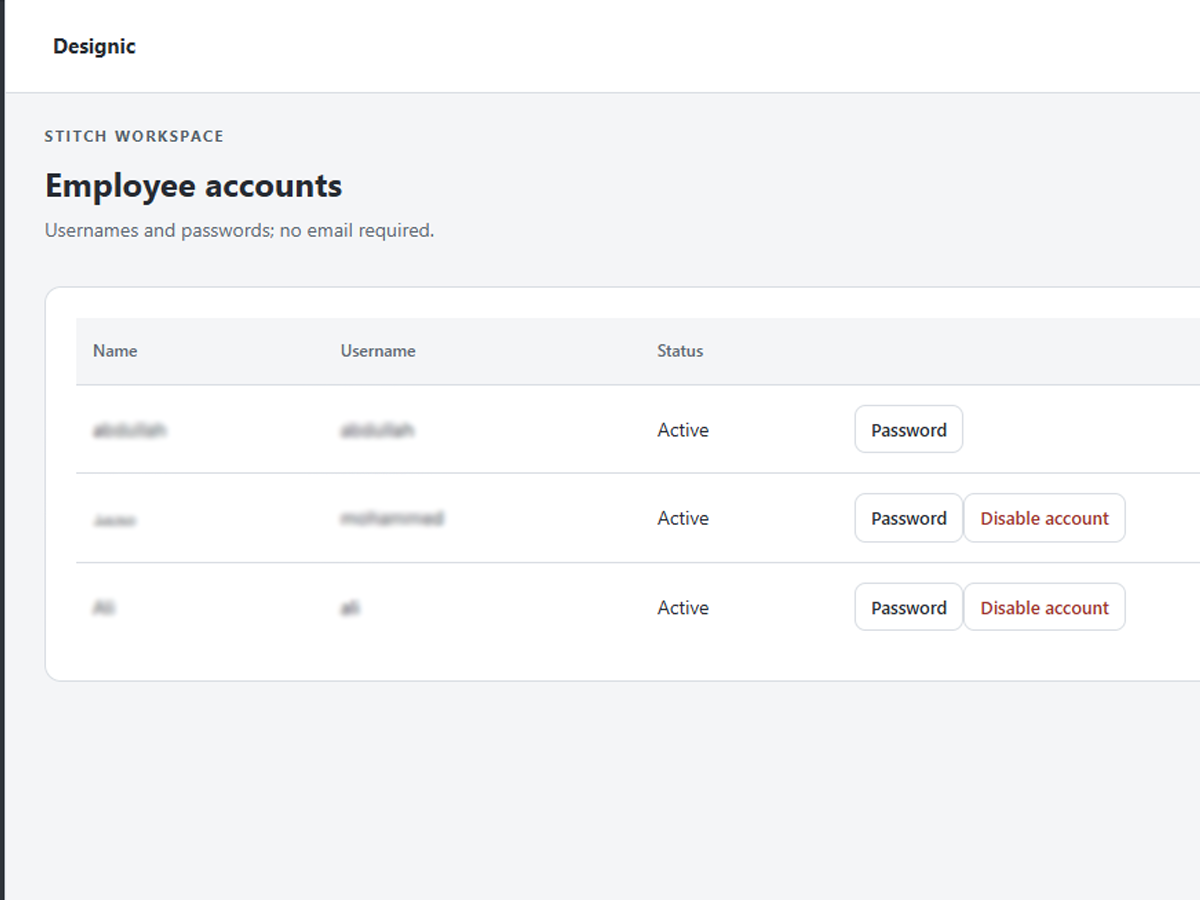
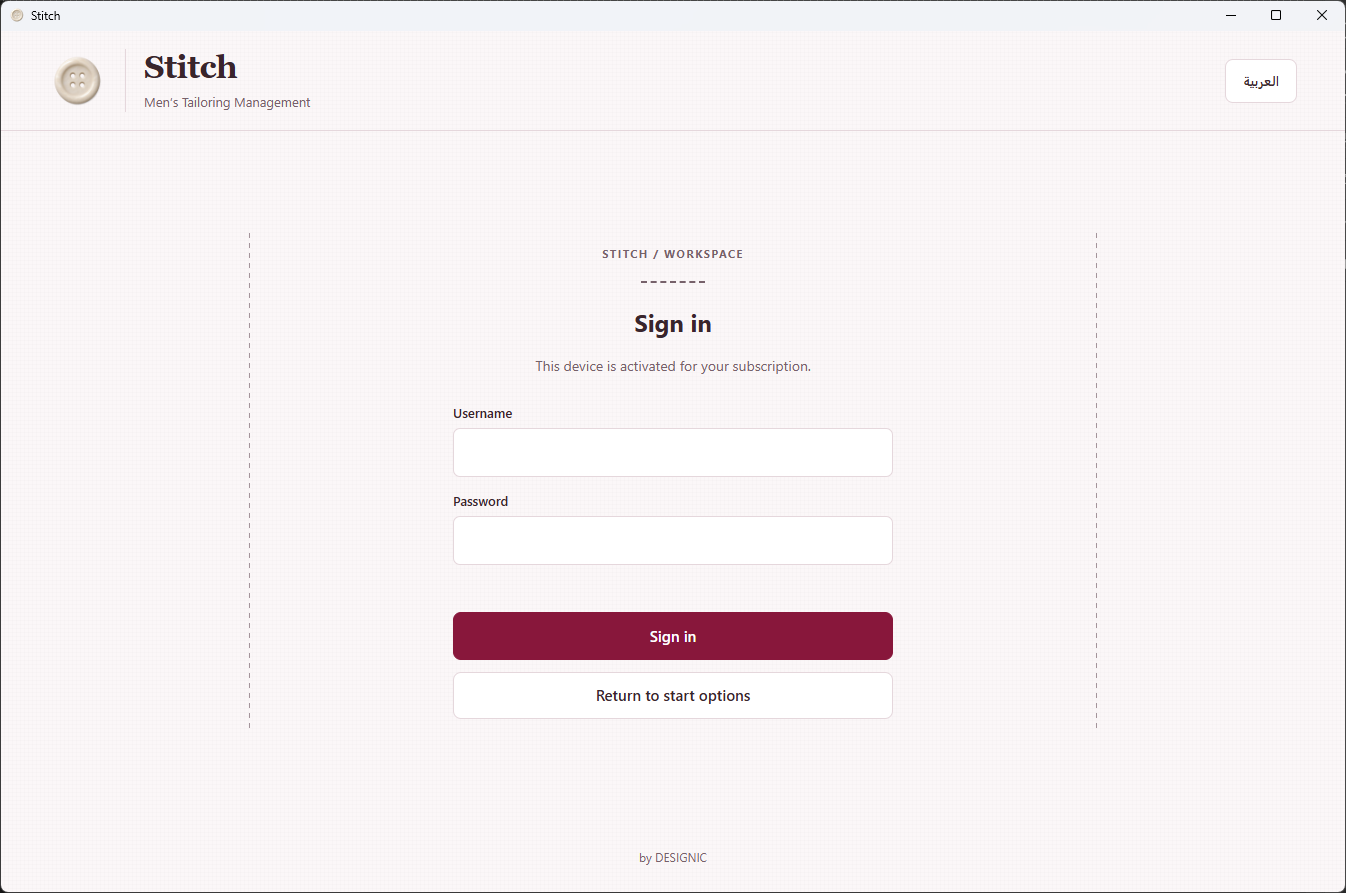
Create employee usernames without email addresses. Connect authorised devices, manage access and review recorded activity.
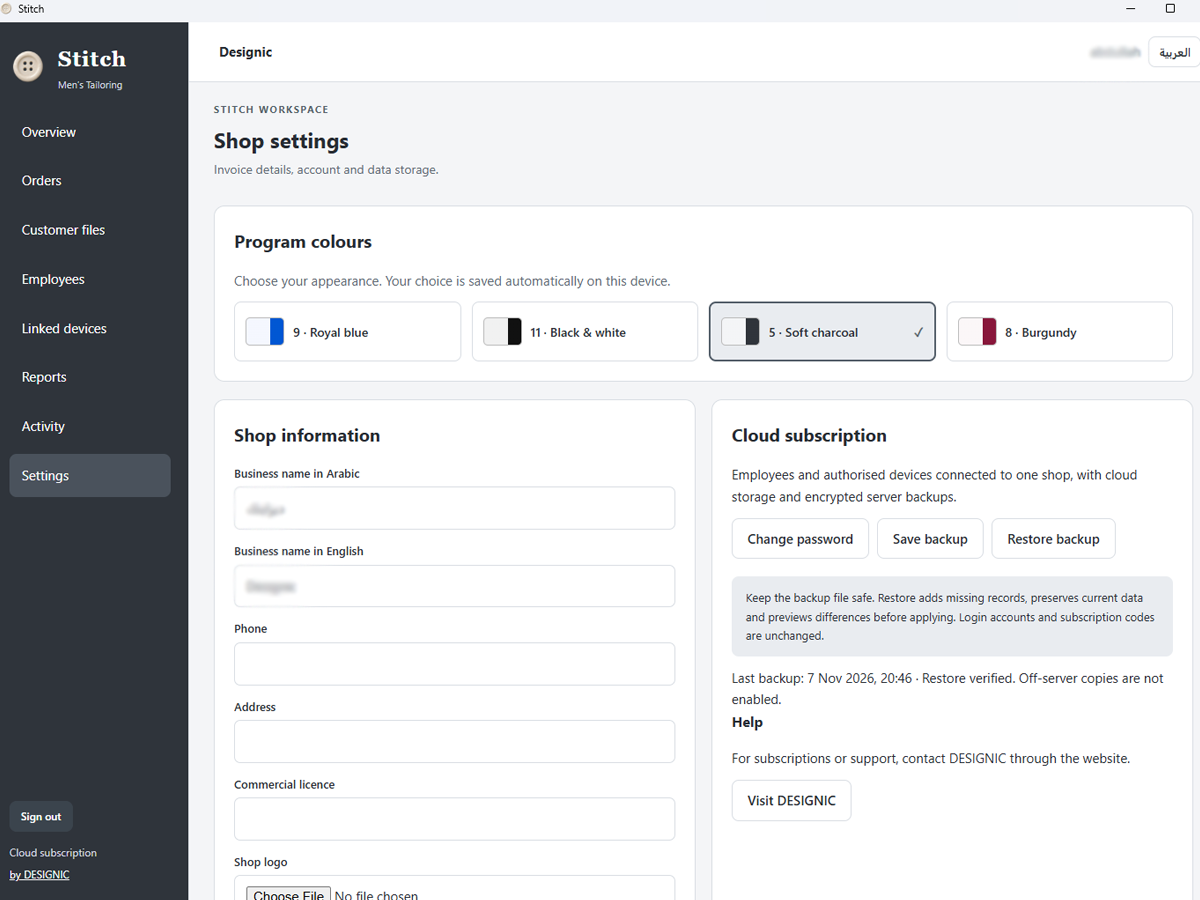
Save a backup and restore missing records without replacing existing data. Choose Arabic or English and one of four interface colour themes.
A CLEARER ROUTINE
A short, connected flow for the whole team.
Enter the quantity and price. Add customer, fabric and delivery details when needed; saving creates the linked invoice.
Record the money actually received. Full and partial payments update the paid amount and balance.
Follow the shared order status and confirm delivery when the order is ready and fully paid.
THE ACTUAL APPLICATION
Actual screens from the application. Open any image for a closer look.
YOUR SHOP, YOUR CONTROL
Give employees their own accounts and connected devices. Shared order tracking helps the team continue serving customers when a colleague is away.
Employees can track shared orders and see financial details for their own work. Shop-wide reports, payments, refunds and corrections stay with the owner. Disabling an account preserves its records.
TWO WAYS TO START
Use FREE locally, or add cloud backup and connected devices with a subscription.
Core tailoring tools, with local data on one device.
The same shop, connected across your authorised devices.
FREE records stay on your device. Cloud features require an active subscription. Contact DESIGNIC for current pricing and the right device allowance.
GOOD TO KNOW
Yes. Choose Start FREE for a local owner account on one device. FREE does not include cloud synchronisation or employee device access.
Yes. From Settings, activate a valid subscription code. Stitch keeps the same account and records. A code already linked to another cloud shop does not overwrite or silently merge that shop.
Yes. New orders and their linked invoices are saved together. Printing is optional and does not record a payment. Issued invoice details are retained.
A refund records money actually returned to a customer. A correction fixes an incorrectly entered payment. Stitch keeps the history and shows the resulting financial position.
Invoice sales follow invoice issue dates. Collections follow the dates money is recorded as received. Deposits, later payments and refunds can make the two totals different. Net sales are not profit.
No. Measurements and private notes stay in the customer file. An order can also be created without a customer file.
Shop-wide financial reports are for the owner. Employees can follow shared orders and access the financial details permitted for their own work.
No. The owner creates usernames and passwords. A temporary link code connects an employee device; the employee then signs in with their own account.
Yes. Use Stitch through the browser. A cloud subscription connects authorised devices to the same shop; FREE data remains local to each device.
A previously loaded and verified workspace can retain local changes during a temporary outage. Reconnect to synchronise and verify access. First setup, device linking and activation need internet.
Restore backup adds missing records rather than rolling the whole shop back. Existing records remain; financial differences are shown for review. A copy of current data is saved before changes are applied.
Automatic cloud backups are encrypted and checked internally. Off-server backups are not currently enabled. You can also keep your own backup file from Settings.
READY WHEN YOU ARE
Start FREE, or contact DESIGNIC for a cloud subscription that fits your shop and team.