Open and watch
A familiar television-inspired experience with straightforward channel selection.
THE NEW WAY TO WATCH
Enjoy live television through the DESIGNIC TV Windows application or open the web experience straight from your browser.
Choose your screen. Keep the experience.
ONE EXPERIENCE / TWO WAYS IN
Open DESIGNIC TV as a dedicated Windows application or enjoy the browser version. Both bring the familiar TV atmosphere into a simple viewing experience.
A familiar television-inspired experience with straightforward channel selection.
Choose the native Windows application or go directly to the web player.
Retro details, warm colors and a focused interface built around the screen.
YOUR SCREEN. YOUR CHOICE.
Switch between a standalone Windows player and the web experience.
FOR WINDOWS
A dedicated desktop application. Download the ZIP, extract it, and run the application without installing the separate VLC player.
DOWNLOAD FOR WINDOWS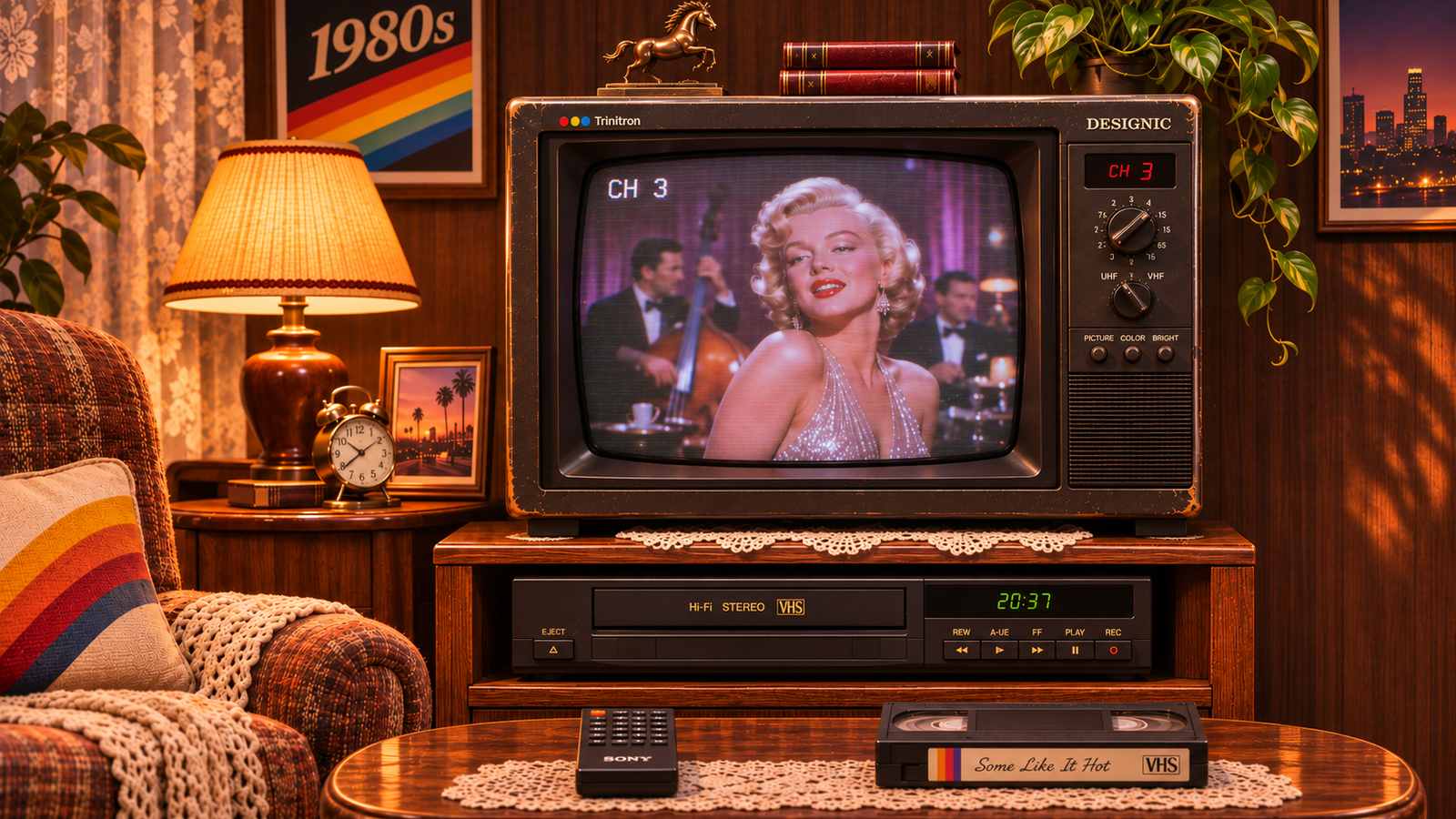
IN YOUR BROWSER
Open the online TV room in your browser. No Windows download is required.
OPEN WEB TVSEE DESIGNIC TV IN ACTION
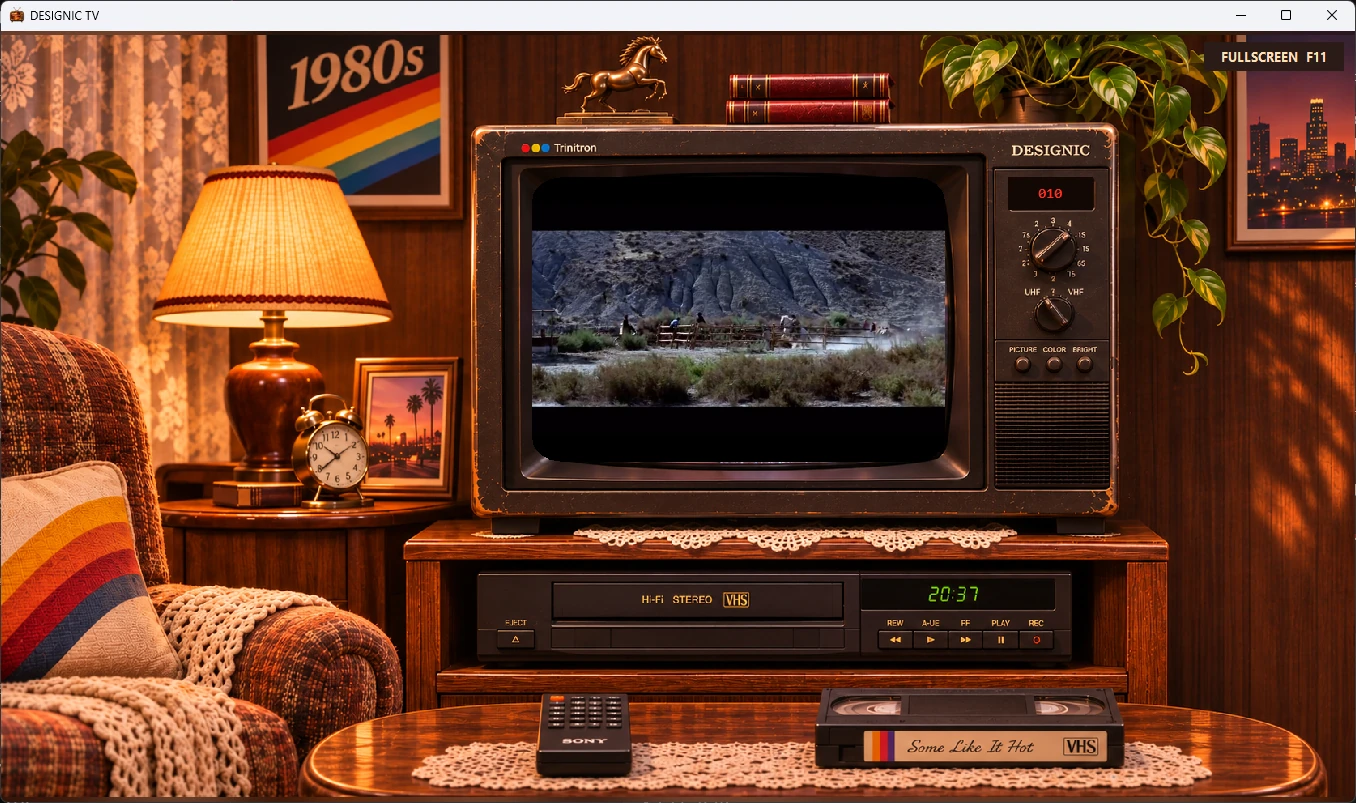
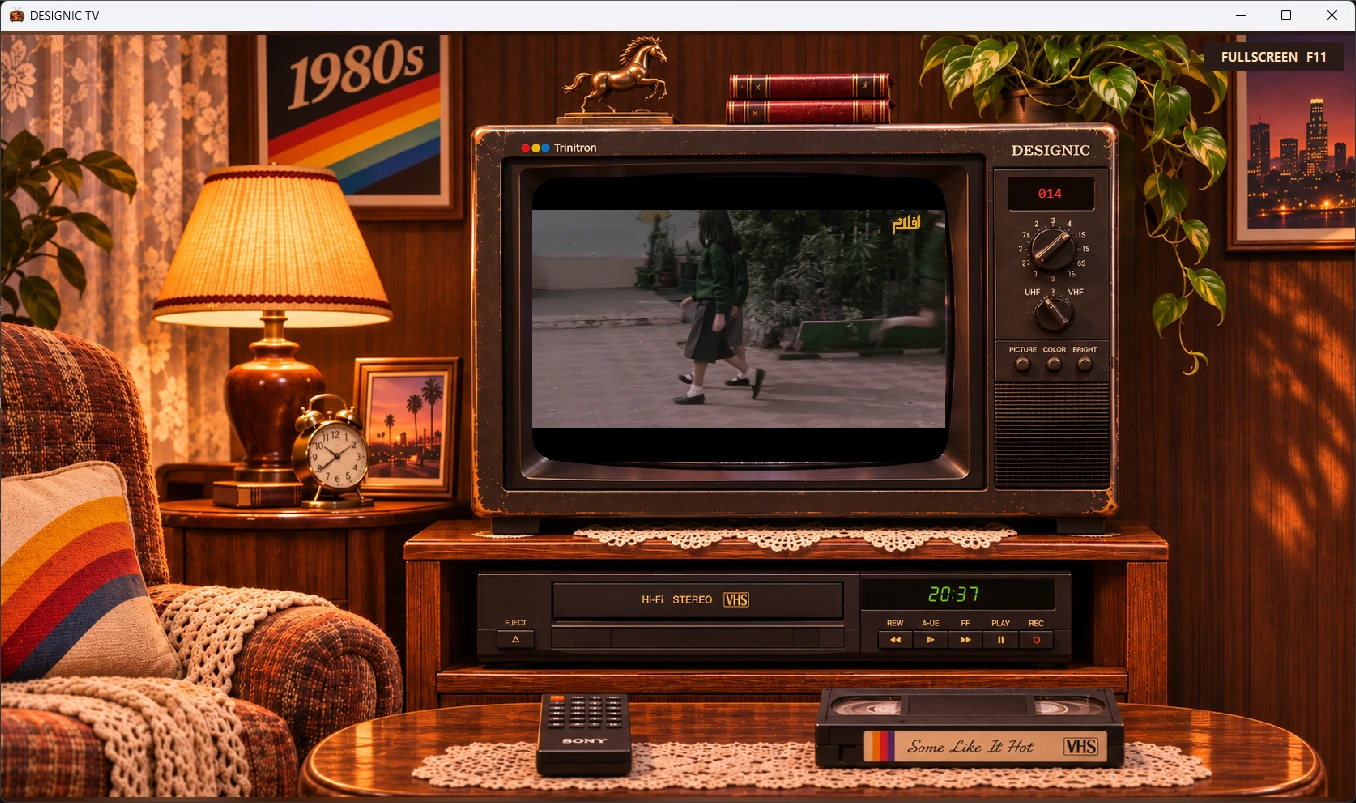
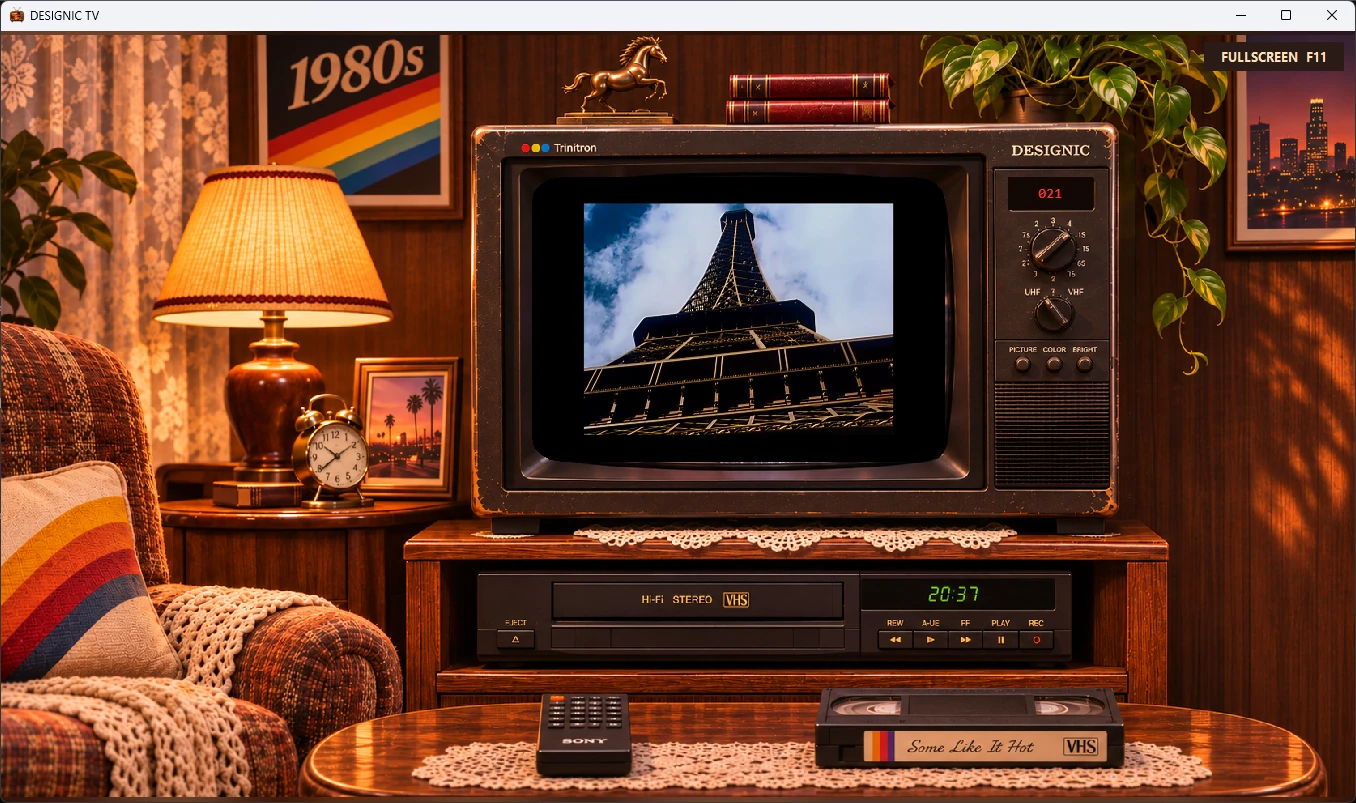
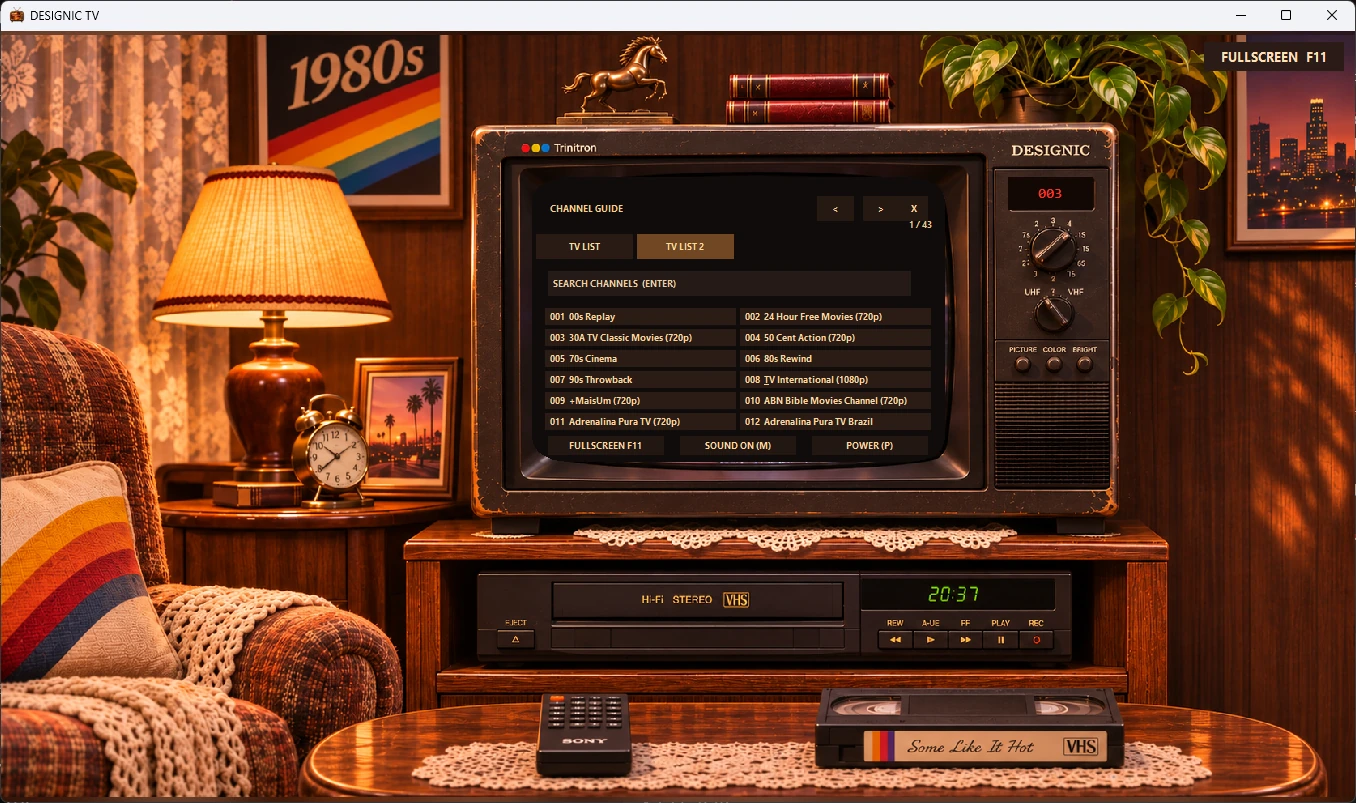
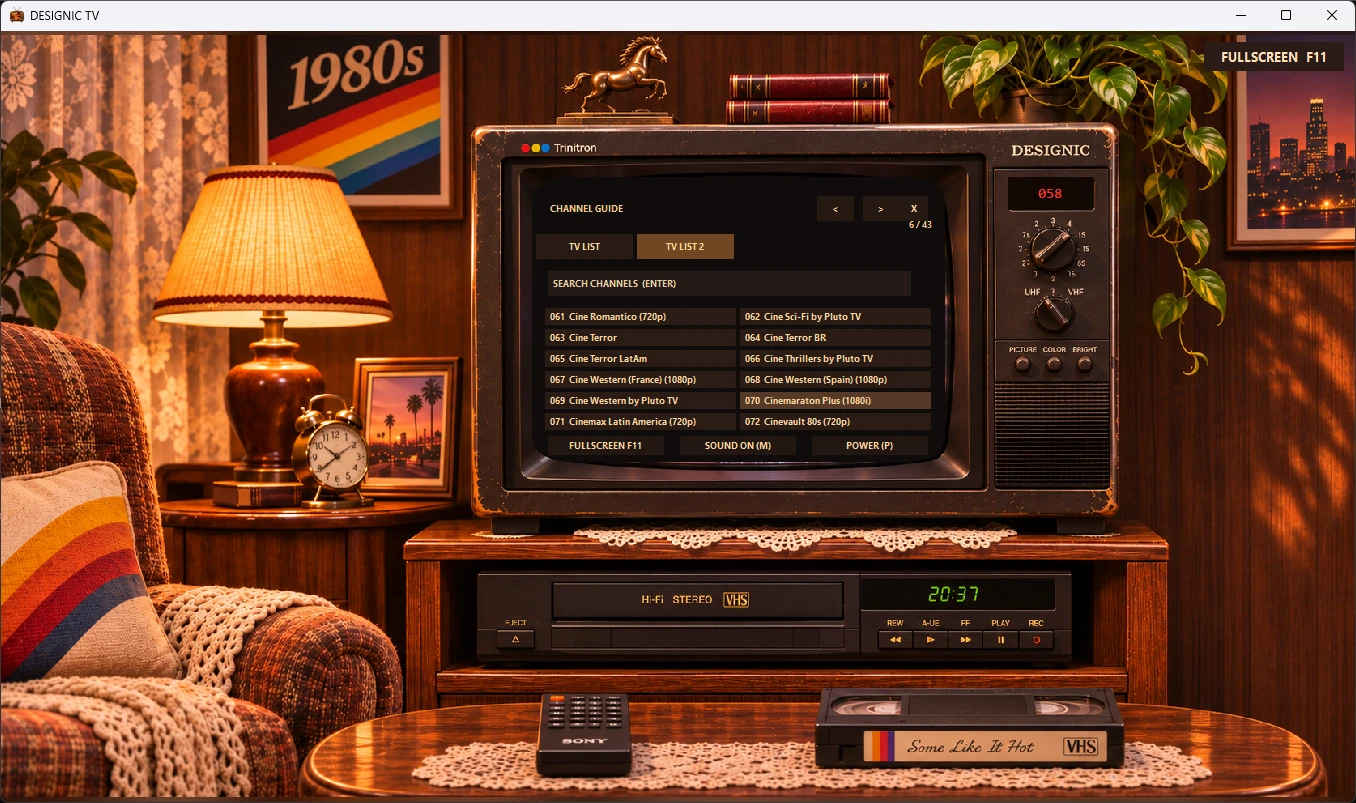
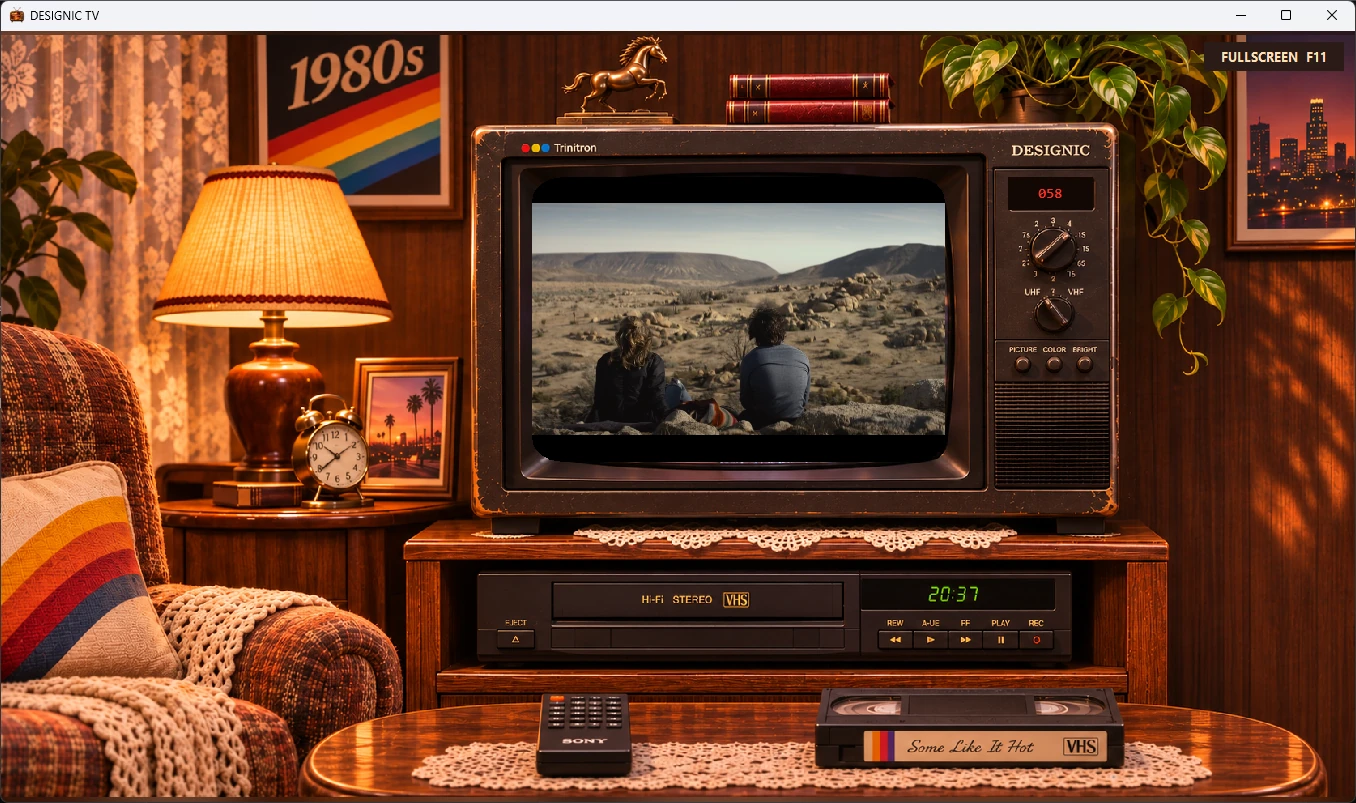
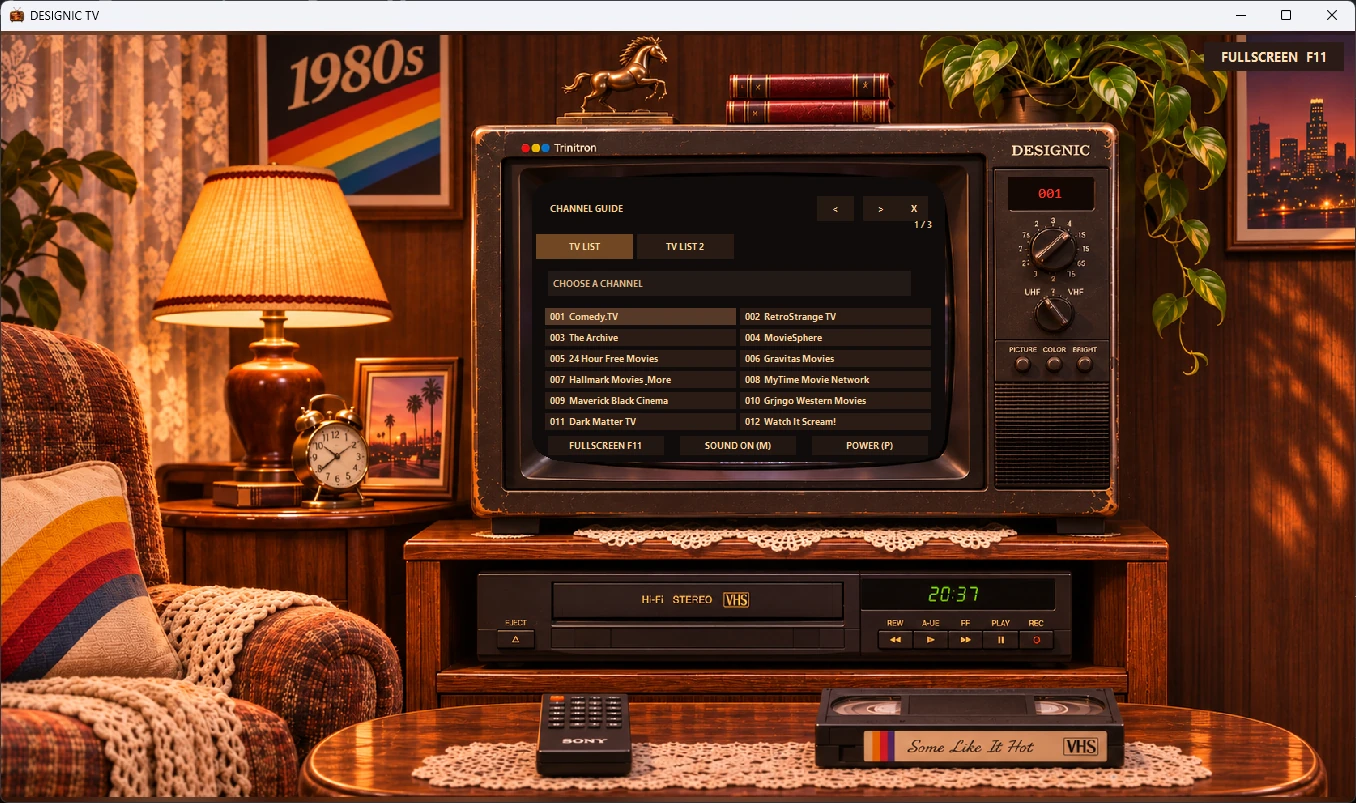
Explore actual screenshots of the Windows application: live playback, retro television details, and channel browsing.
Live playback inside the vintage-inspired TV room.
Browse channels and switch between TV lists without leaving the experience.
GET STARTED
A direct route to the screen, whichever version you choose.
Select the desktop download or open the browser player.
On Windows, extract the ZIP and launch DESIGNIC TV.exe. On the web, simply open the link.
Choose a channel from the built-in list and start watching.
DESIGNIC TV
Choose the desktop application or jump into the web TV room.